Win back
years of your life
Your distracting apps stay locked. Climb from Bronze to Obsidian by moving more and scrolling less, and win back years of your life.
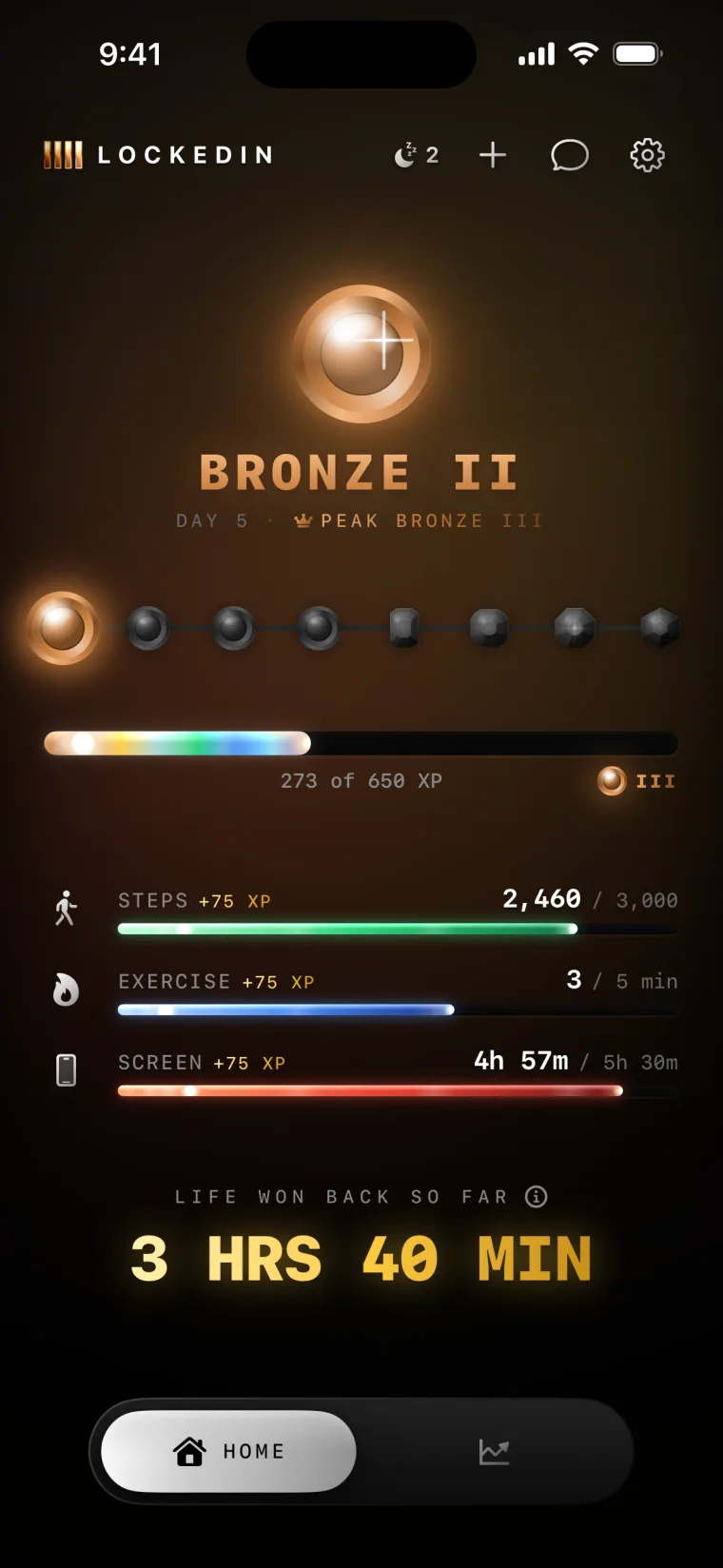
DAY 5
→
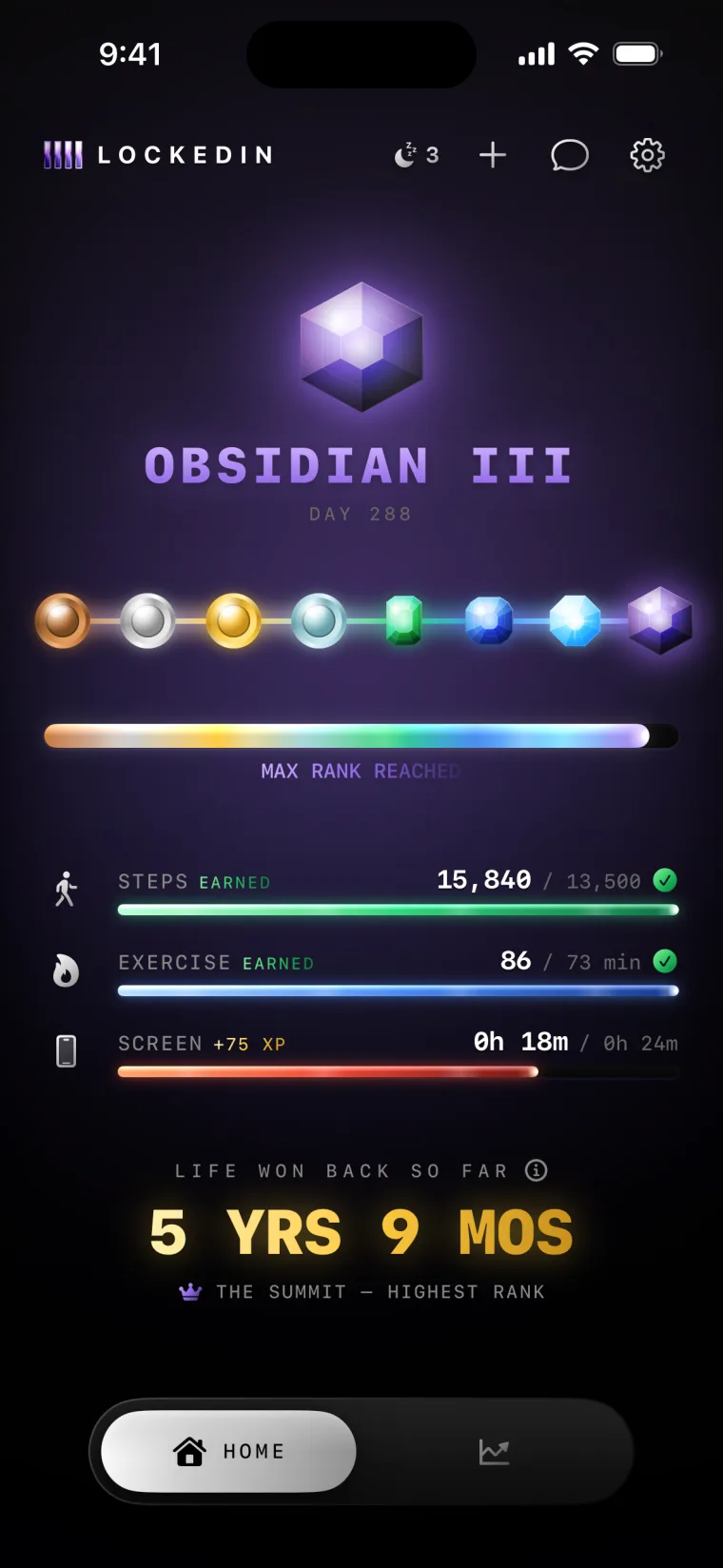
DAY 288
Your distracting apps stay locked. Climb from Bronze to Obsidian by moving more and scrolling less, and win back years of your life.
That's nearly a third of your waking life. LOCKEDIN turns it around: you rank up by moving more and scrolling less, and take that time back.
No willpower required. Just a system that makes moving more and scrolling less the only way up.
Pick the apps that pull you in: Instagram, TikTok, YouTube, games. They stay locked around the clock.
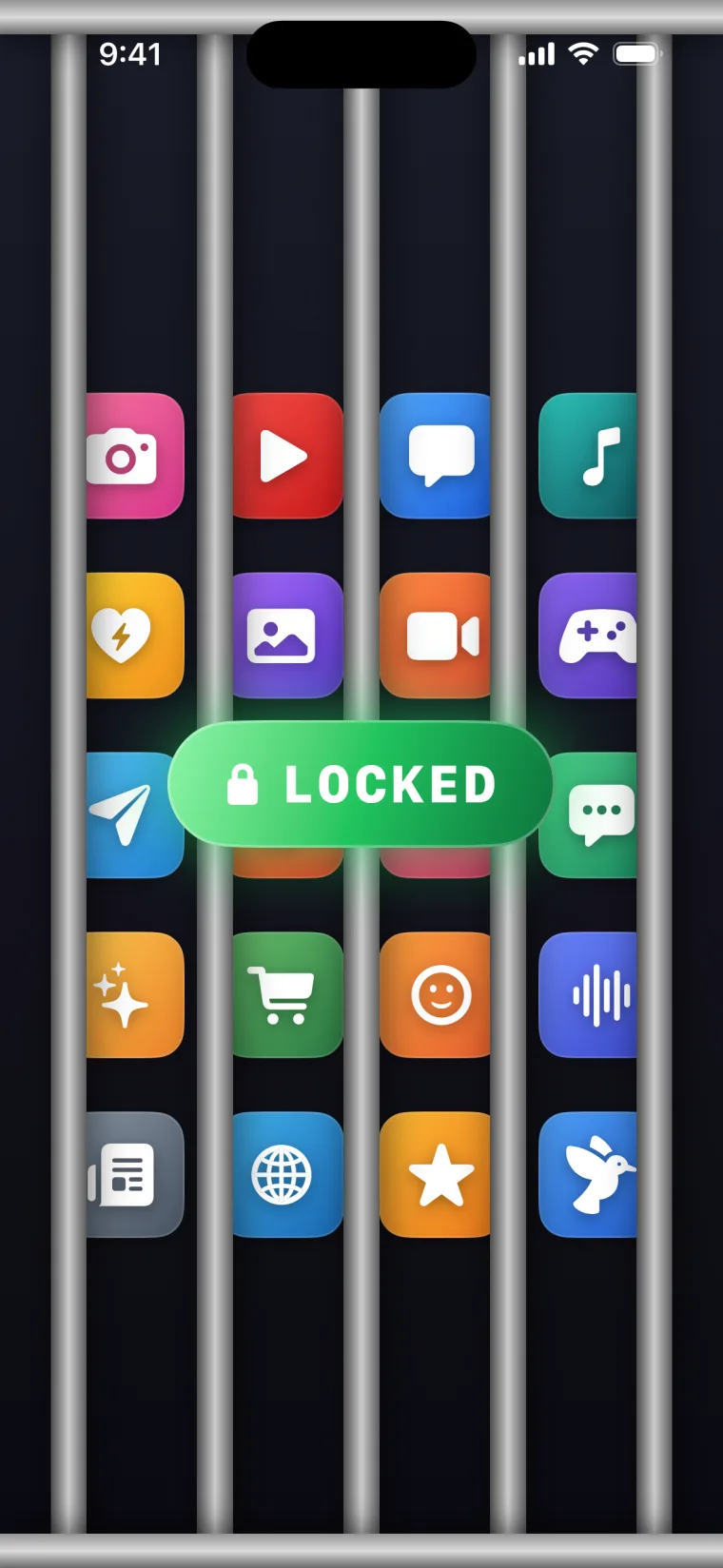
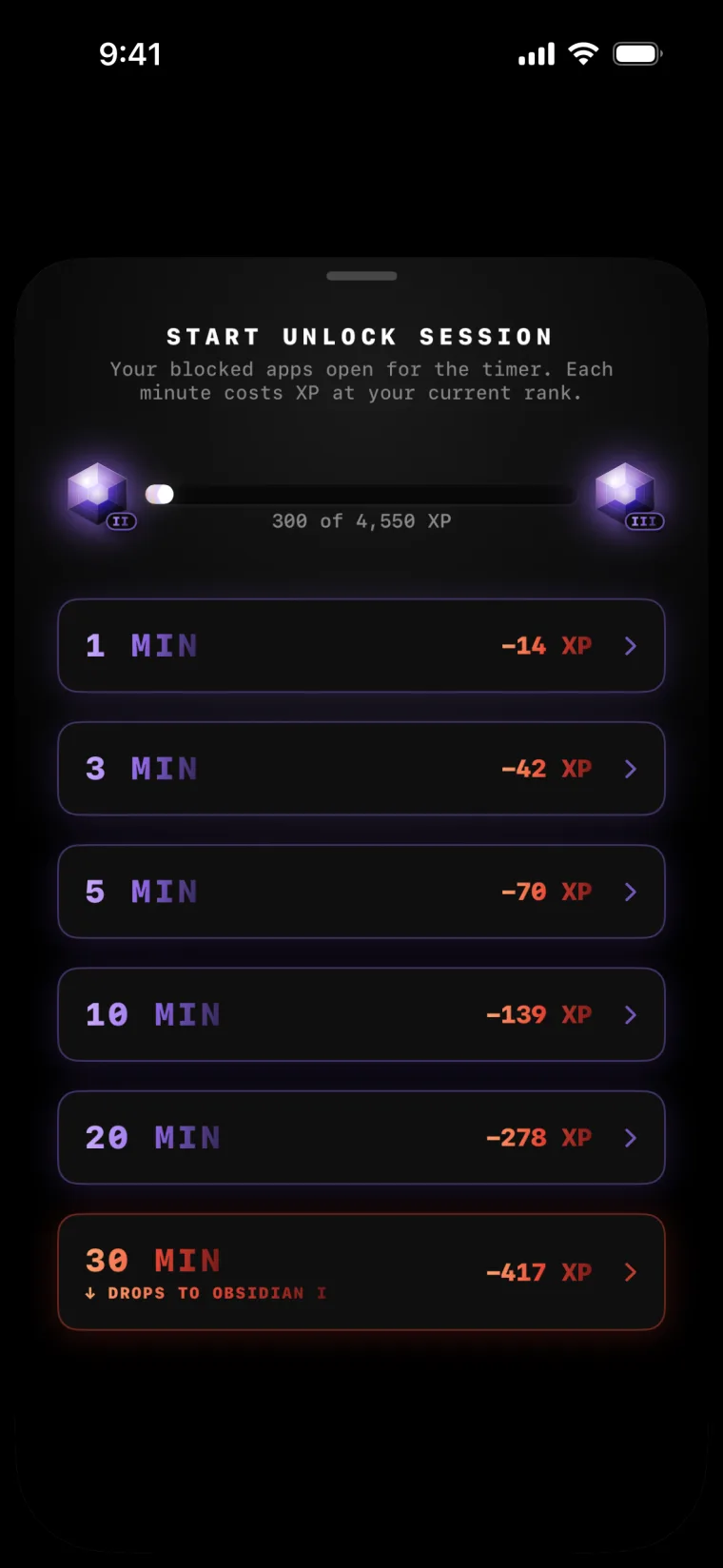
Opening a locked app costs XP. Every unlock is a real choice, and the higher your rank, the more it costs to give in.
Steps and exercise become XP automatically through Apple Health. Walk, lift, run, ride: it all counts. The more you move, the more you have to spend, and the faster you climb.
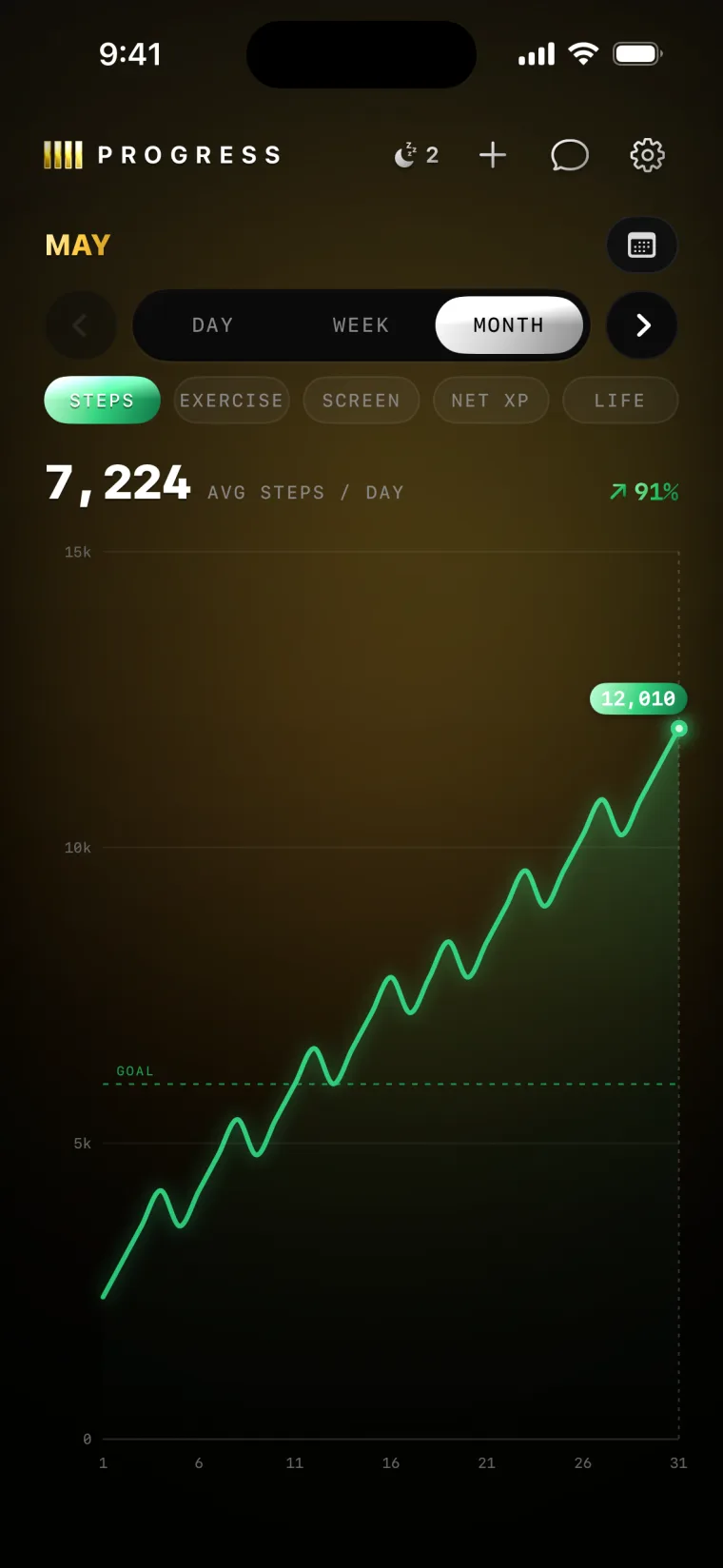
Keep showing up and you rise from Bronze to Obsidian. Each rank asks for a little more movement and a little less screen than the last. The progress becomes the new addiction.
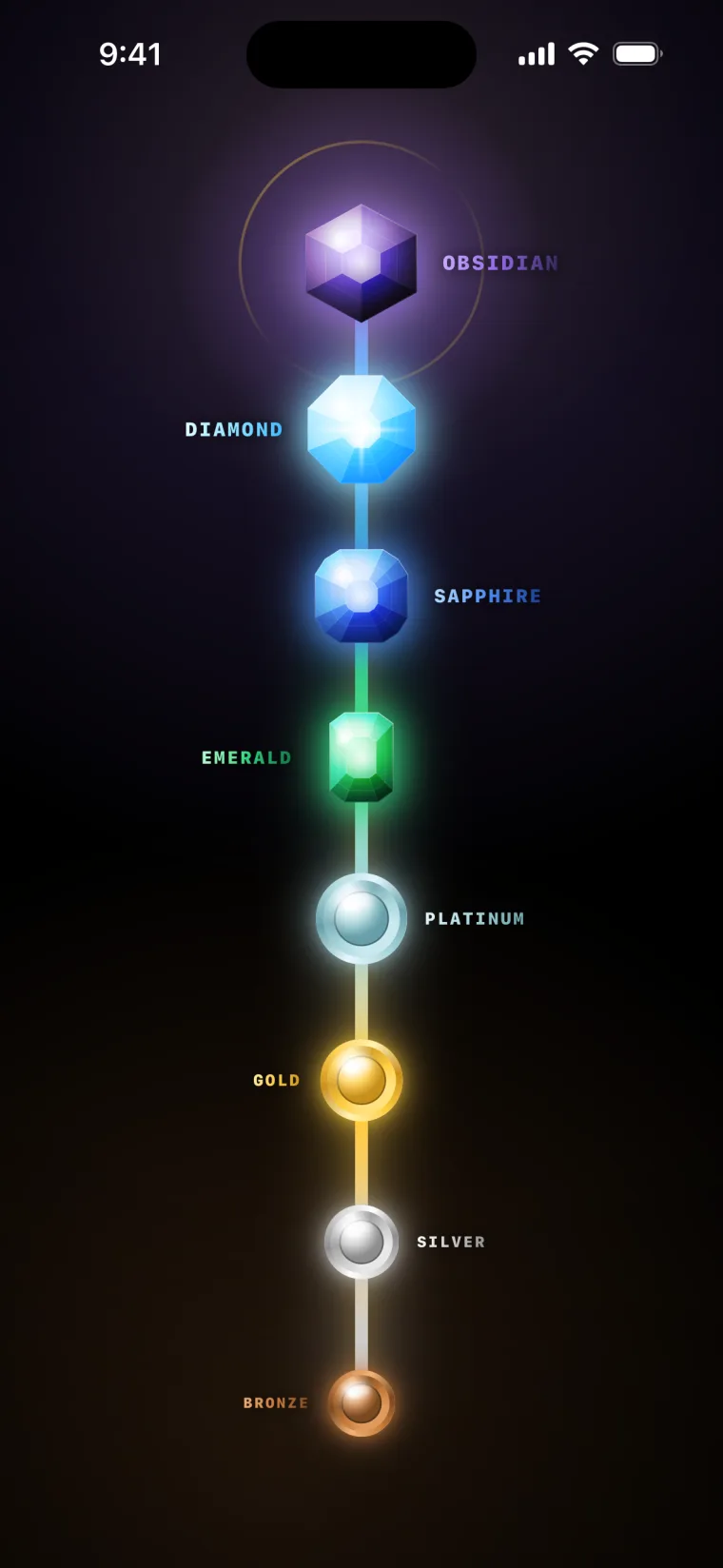
A fixed ladder you climb by living differently. Bronze is day one. Obsidian is a different person.
 BRONZE
 SILVER
 GOLD
GOLD PLATINUM
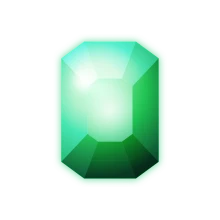 EMERALD
 SAPPHIRE
 DIAMOND
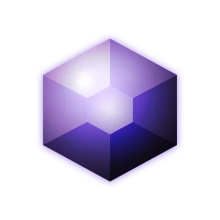 OBSIDIAN
Moving always earns the same XP. What changes is the cost of giving in — unlocking gets more expensive as you climb, so each rank quietly pulls you toward more movement and less screen. By the summit, the old habits don't fit anymore.
LOCKEDIN keeps an honest, running count of the life you're winning back as you climb.
Life-won-back is an honest estimate, not a medical promise. Only movement above your usual day counts, and we use published research linking activity to a longer life. We stay conservative, because the science says the benefit flattens the more you do.
Try everything free for a week. Keep going only if it's changing you. Cancel anytime.
Yes, at the system level using Apple's Screen Time framework. To open a locked app you spend XP for a timed session.
Any steps or exercise minutes Apple Health tracks. It works with Apple Watch and anything that syncs to Health: Garmin, Whoop, Oura, Fitbit.
You climb a fixed ladder of eight ranks: Bronze, Silver, Gold, Platinum, Emerald, Sapphire, Diamond, Obsidian. Moving always earns the same XP. What changes is that unlocking gets more expensive as you climb, so higher ranks pull you toward more movement and less screen.
An honest, conservative estimate of the time you're reclaiming, based on published research linking extra daily movement to a longer life. Only movement above your usual day counts, and the credit eases off the more you do. It's an estimate, not a medical promise.
LOCKEDIN has a 7-day free trial. After that it's $6.99/week or $79.99/year. Cancel anytime in Settings.
We only keep what's needed to run your plan and sync your progress across a reinstall. Our full privacy policy spells out exactly what that is.
Lock your distractions. Climb the ranks by moving more and scrolling less. Start winning your life back today.
7-day free trial · then $6.99/wk or $79.99/yr